
The iPhone companion to StreamBridge on your Mac. Browse films on the sofa, choose the TV, and your Mac gets the film ready in Plex. Away from home, send a film and it's waiting in Plex when you're back.
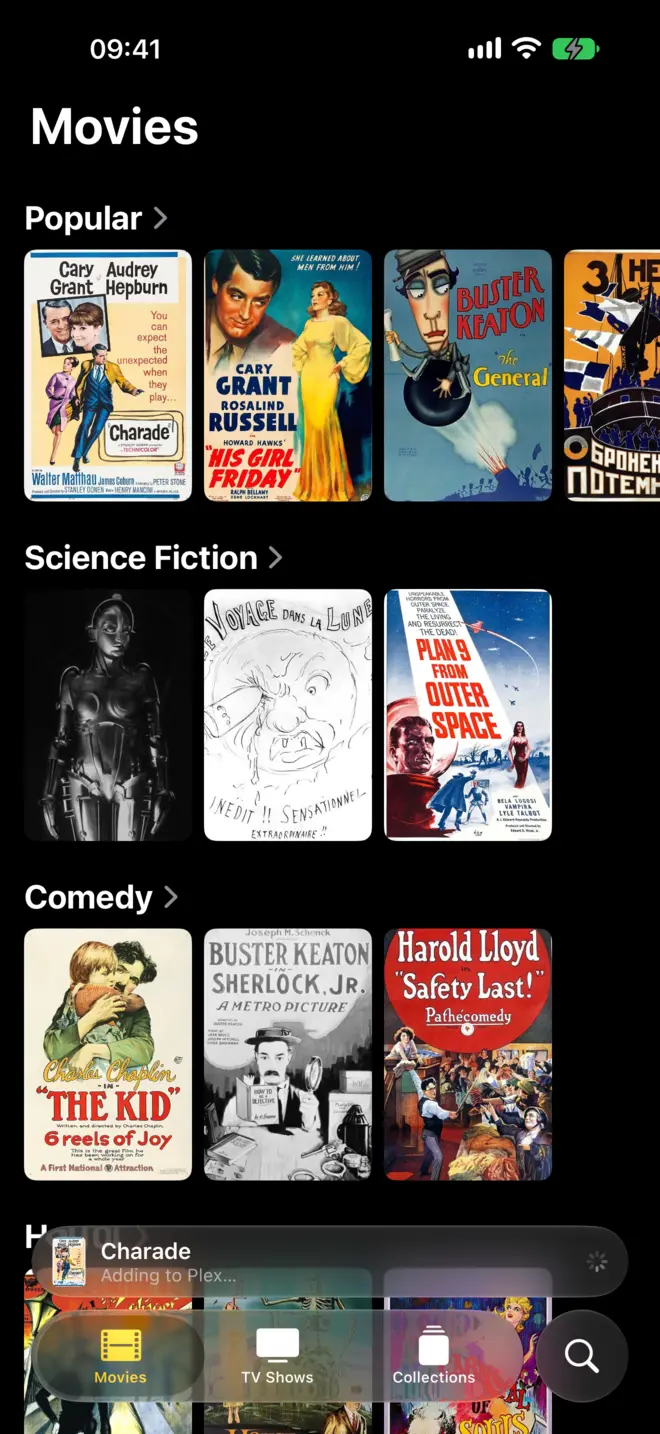
On the same Wi-Fi as your Mac, the phone shows what StreamBridge shows.
Rows of films, a search that finds new releases, and each film's story, cast and More Like This. Shows open on their seasons and episodes.
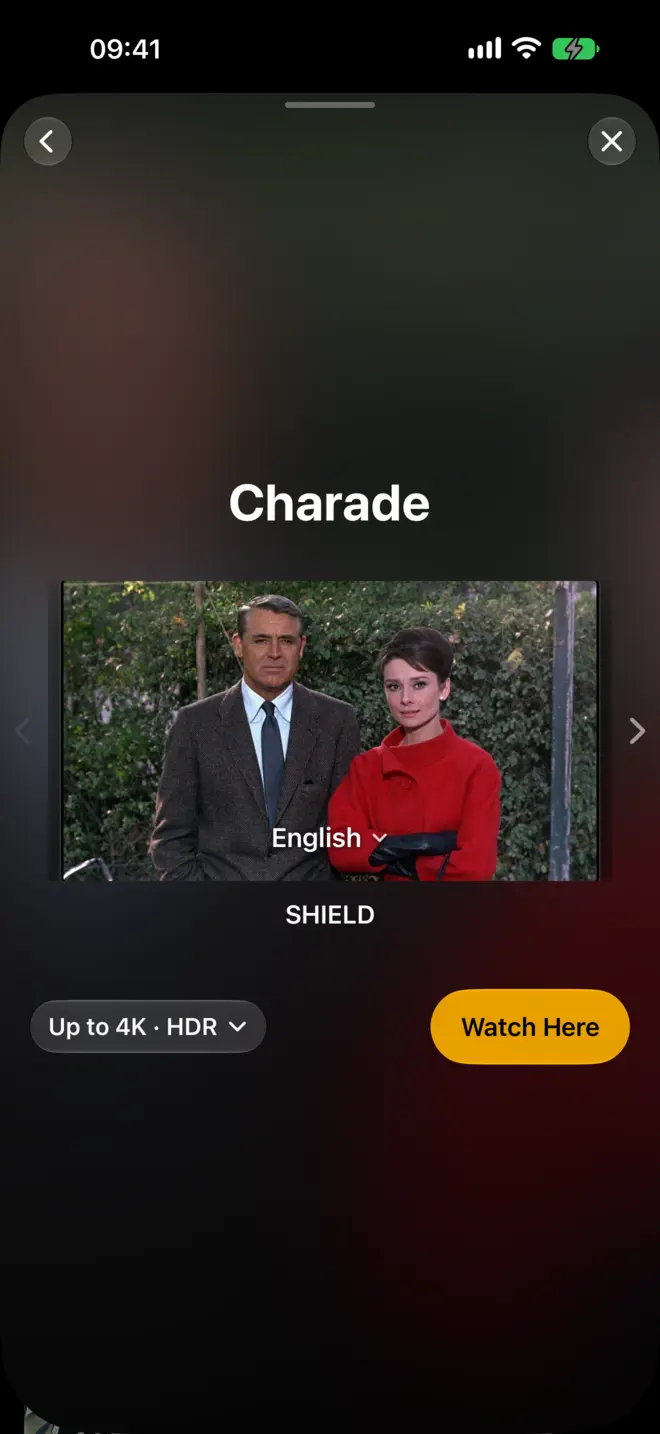
Press Watch and the film appears on the screen it will play on: a TV on your Wi-Fi or the Mac. Choose the picture quality, then Watch Here.
Pick one language or two, the second in yellow under the first, before the film starts.
A bar above the tabs follows each film your Mac is getting ready, and says when to open Plex on the TV.
For a preview with Watch, Send to Plex and Share.
In StreamBridge on your Mac, open Settings, then Pair a Phone, and type its six-digit code on the iPhone. No account and no sign-in.
Heard about a film on the bus? Send it from your phone, and your Mac gets it ready before you're home.
Search, open a film and press Get It Ready in Plex. It goes by your Plex Watchlist, and your Mac picks it up from there.
Share a film's IMDb or Letterboxd page to StreamBridge, from Safari or any other app, and it's on its way to Plex.
Films you send land in a From your iPhone collection, first on Plex's home screen, so the TV opens on them.
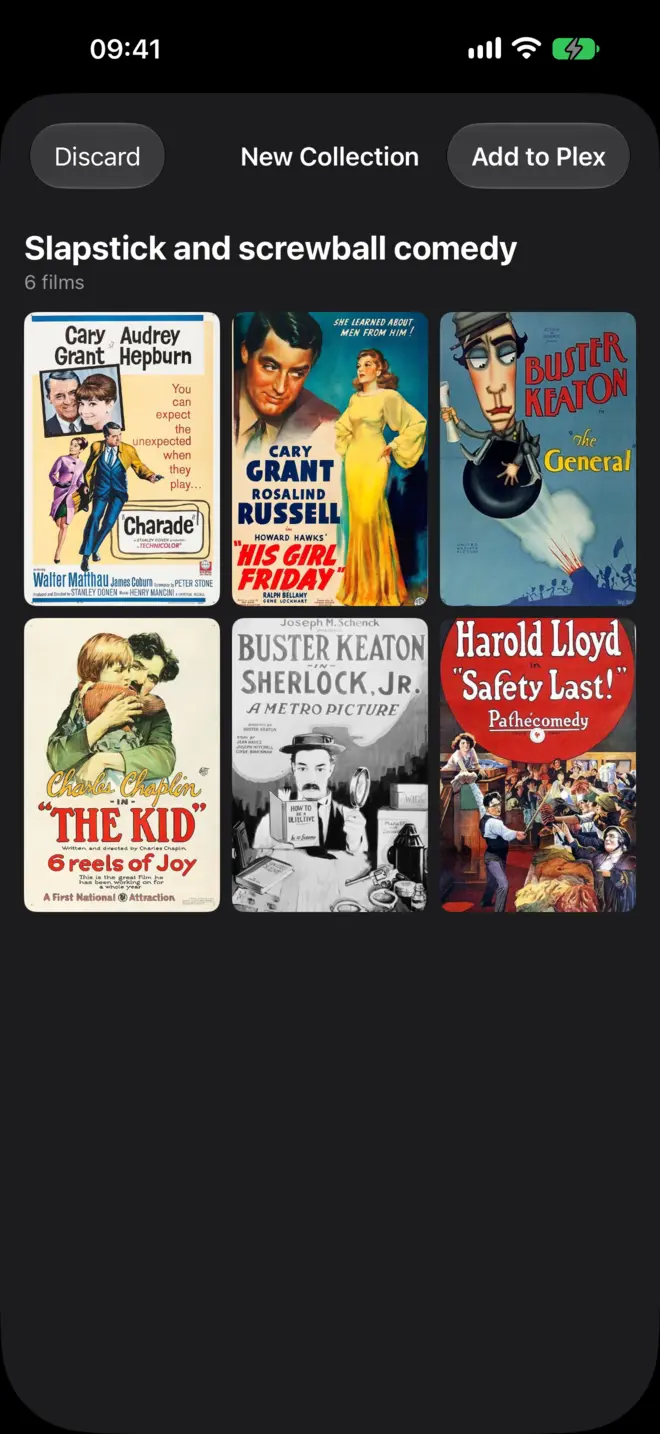
Press + and type what a collection should hold, like korean revenge or a24 horror. Look at its films, then Add to Plex or Discard. Away from home it waits for your Mac in a sealed mailbox that only your phone and your Mac can open; our server carries it and can't read it.
Two ways to get it. If you also use StreamBridge on the Mac, Pro gets you more.
Buy Pro once for your Mac and the iPhone app is included on every phone you pair, with nothing to buy in the app. Pro also adds, on the Mac:
Without Pro, buy it once in the app for $2.99, or the App Store's price in your own currency. No subscription. Get Pro later and what you paid comes off its price.
The iPhone app is a remote for StreamBridge, so the Mac does the work.