Can you connect Stremio to Plex?
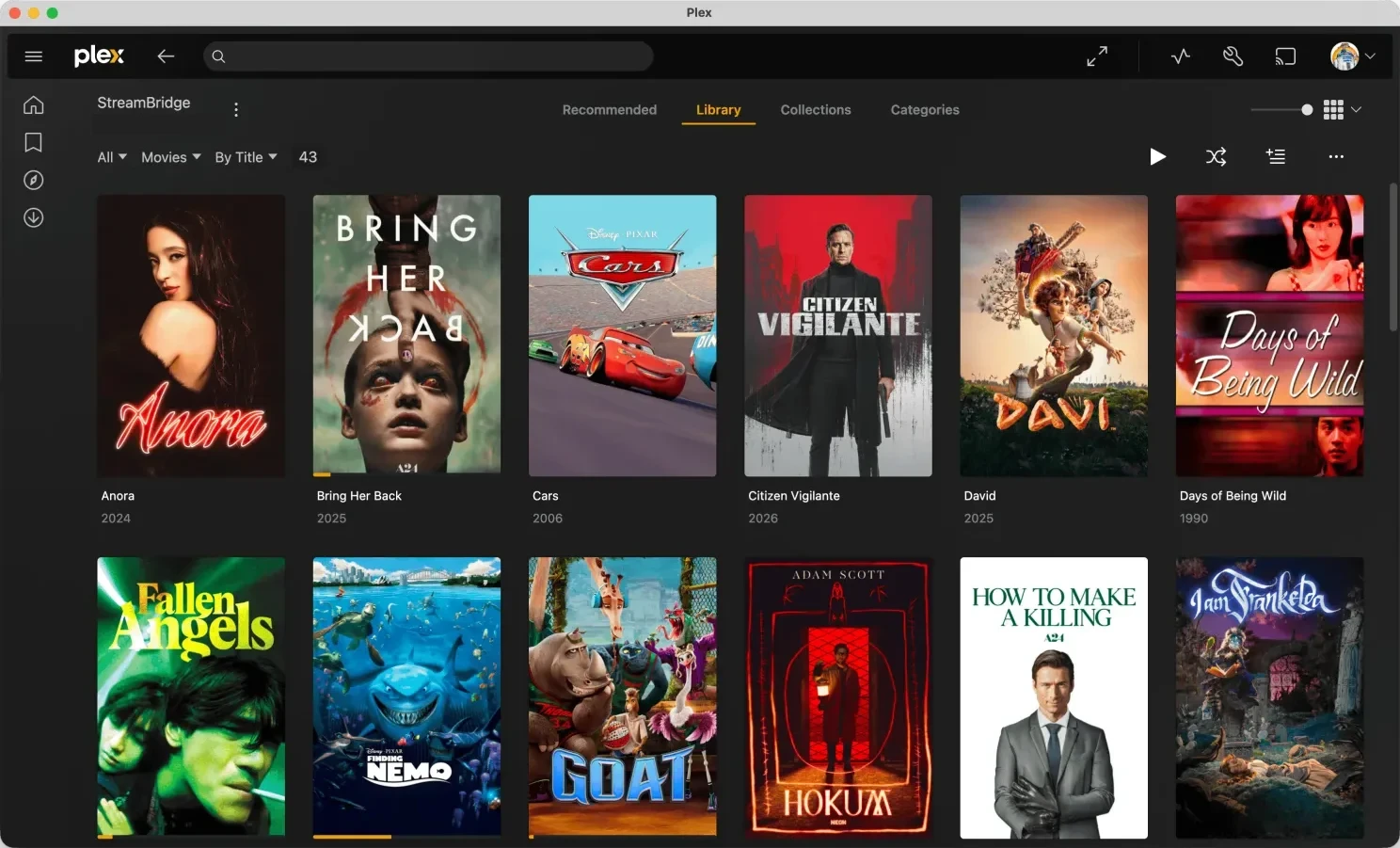
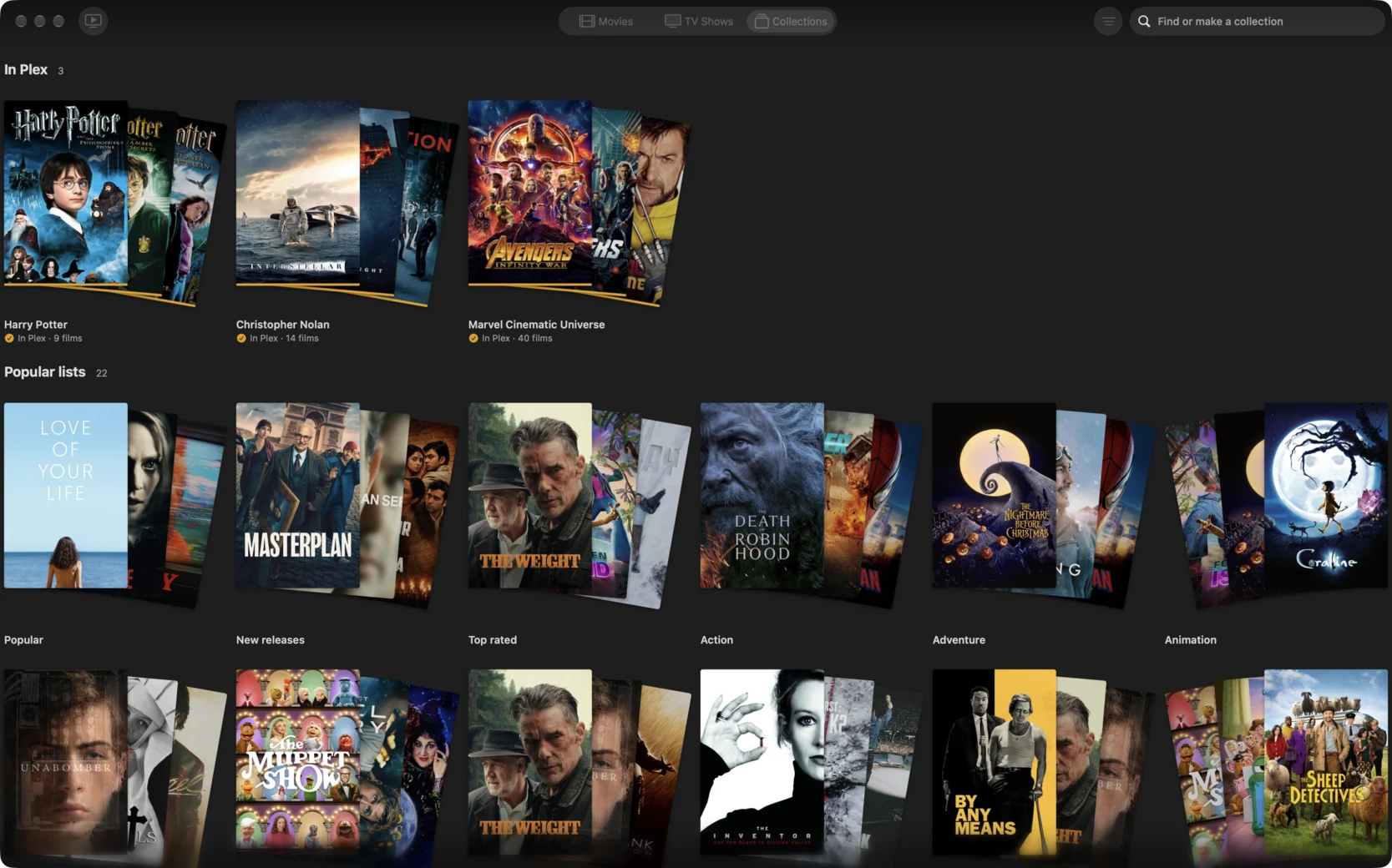
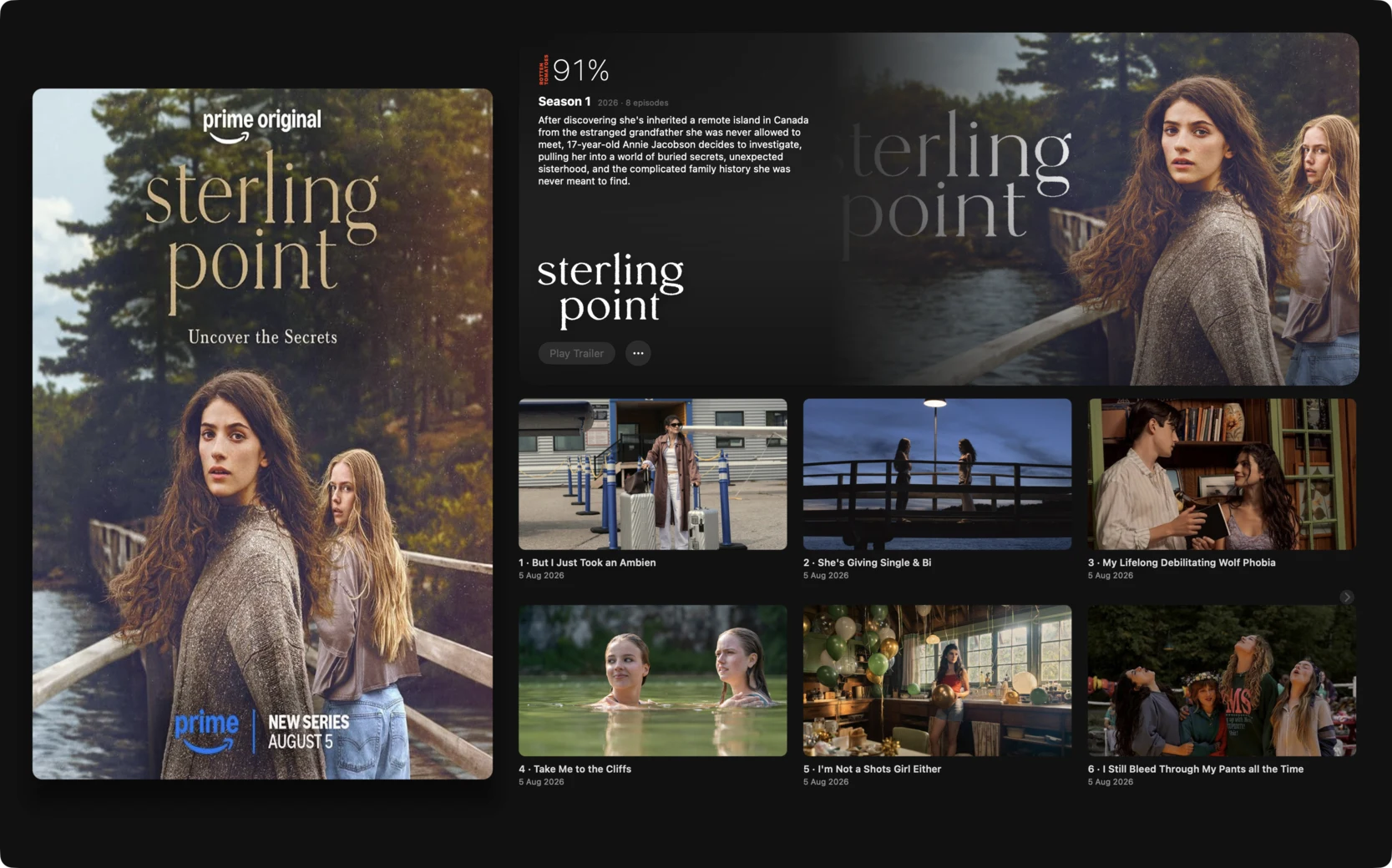
Not directly. Stremio plays titles in its own player, and Plex only plays files in its library folders. StreamBridge, a Mac app, closes the gap: it puts Stremio's catalogs into Plex as collections, so you pick on the Mac and watch in Plex. It needs a Mac running Plex Media Server and your own debrid account, such as Real-Debrid or TorBox. A Zurg and rclone mount or a DUMB Docker stack can do the same job, with more to run.
Is there a Stremio addon for Plex?
Not one that puts Stremio's titles into Plex. Addons like Plexio go the other way: they show your Plex library inside Stremio and play it there. To get Stremio's catalogs into Plex, you need something outside Stremio, such as StreamBridge on a Mac, or a Zurg and rclone mount.
Is it Stremio or Streamio?
Stremio. It's often spelled Streamio or Stremio TV in searches; they all mean the same app, and everything on this page applies.
Which way should I choose?
If you already run a home server and like tuning it, Zurg or DUMB gives you the most control. If you want Stremio's catalogs in Plex without running one, use StreamBridge.
Do I need Stremio installed?
No. StreamBridge reads Stremio's catalogs itself, so there's no Stremio app or account to set up. You pick on the Mac and watch in Plex.
Does it work on Windows?
No. StreamBridge is a Mac app, and Plex Media Server has to run on the same Mac. Once the titles are in Plex, you can watch on any device Plex runs on: TVs, Apple TV, Roku, phones and browsers.
How do subtitles work?
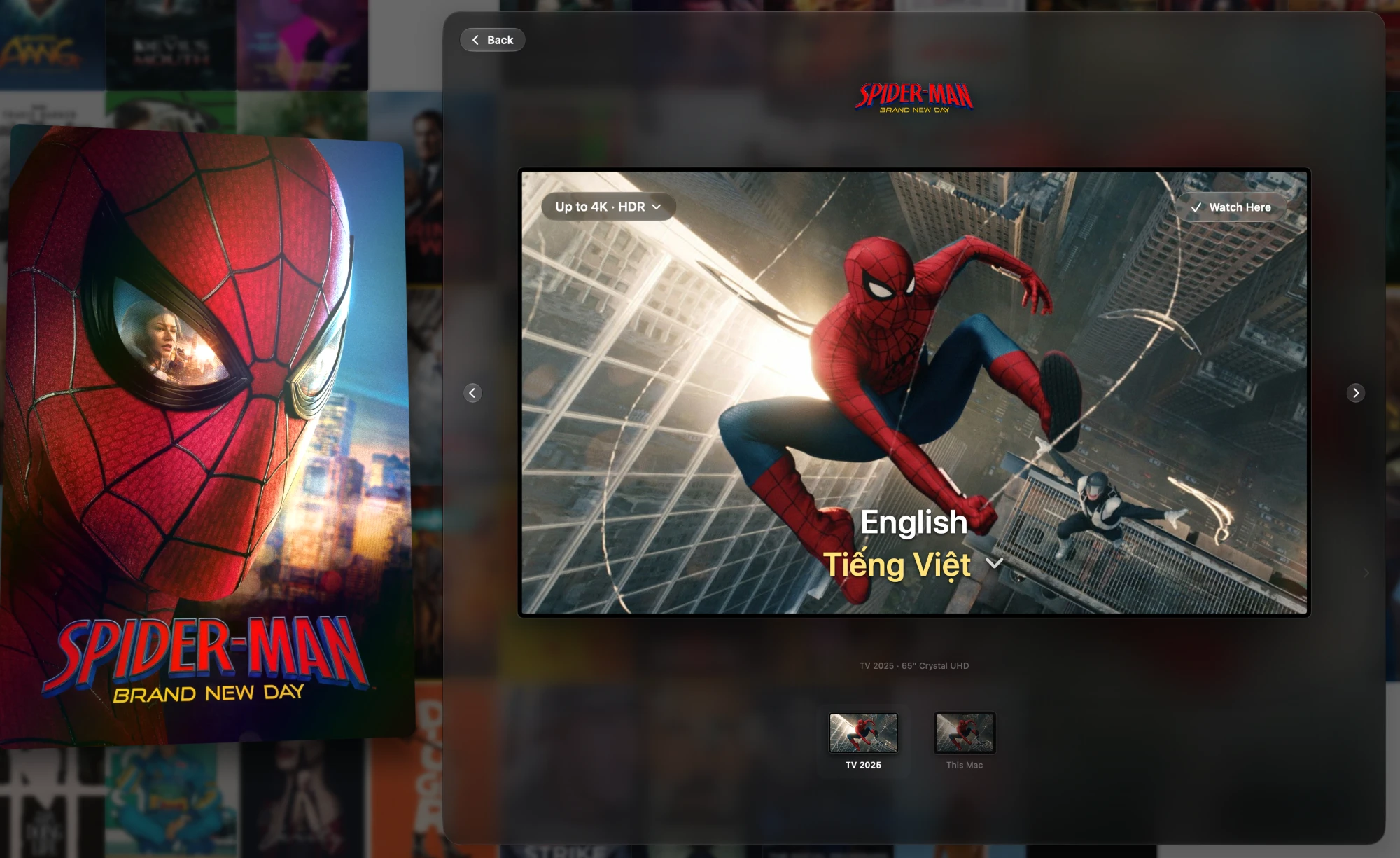
With Pro, a film that's in Plex gets subtitles in the languages you choose, in Plex's own subtitle menu on every device. You pick one language or two on the film's Watch view in the app, and change them later from the film's ⋯ menu.
What does it cost?
Movies, series and one collection are free. Pro is $39 once, with no subscription, and adds subtitles, collections made from a sentence and search by meaning.