What StreamBridge replaces

Watching in Plex is easy. Filling Plex is the work: a player for streaming on one side, a server full of drives on the other. StreamBridge does both from one Mac app.

The usual setup

  • A separate streaming app on every TV
  • A NAS with several drives
  • A download client
  • Sonarr, Radarr and tools to keep them in sync
  • Deciding how many terabytes to buy next
  • Plex

With StreamBridge

  • A Mac you already own
  • A debrid account, such as Real-Debrid or TorBox
  • Plex, on every screen you have

What goes away

The second player

Stremio has good catalogs, but you watch them in Stremio's own app. StreamBridge reads those catalogs on your Mac and puts what you pick into Plex, so it plays on the TV, Apple TV, Roku, phone or browser your household already uses.
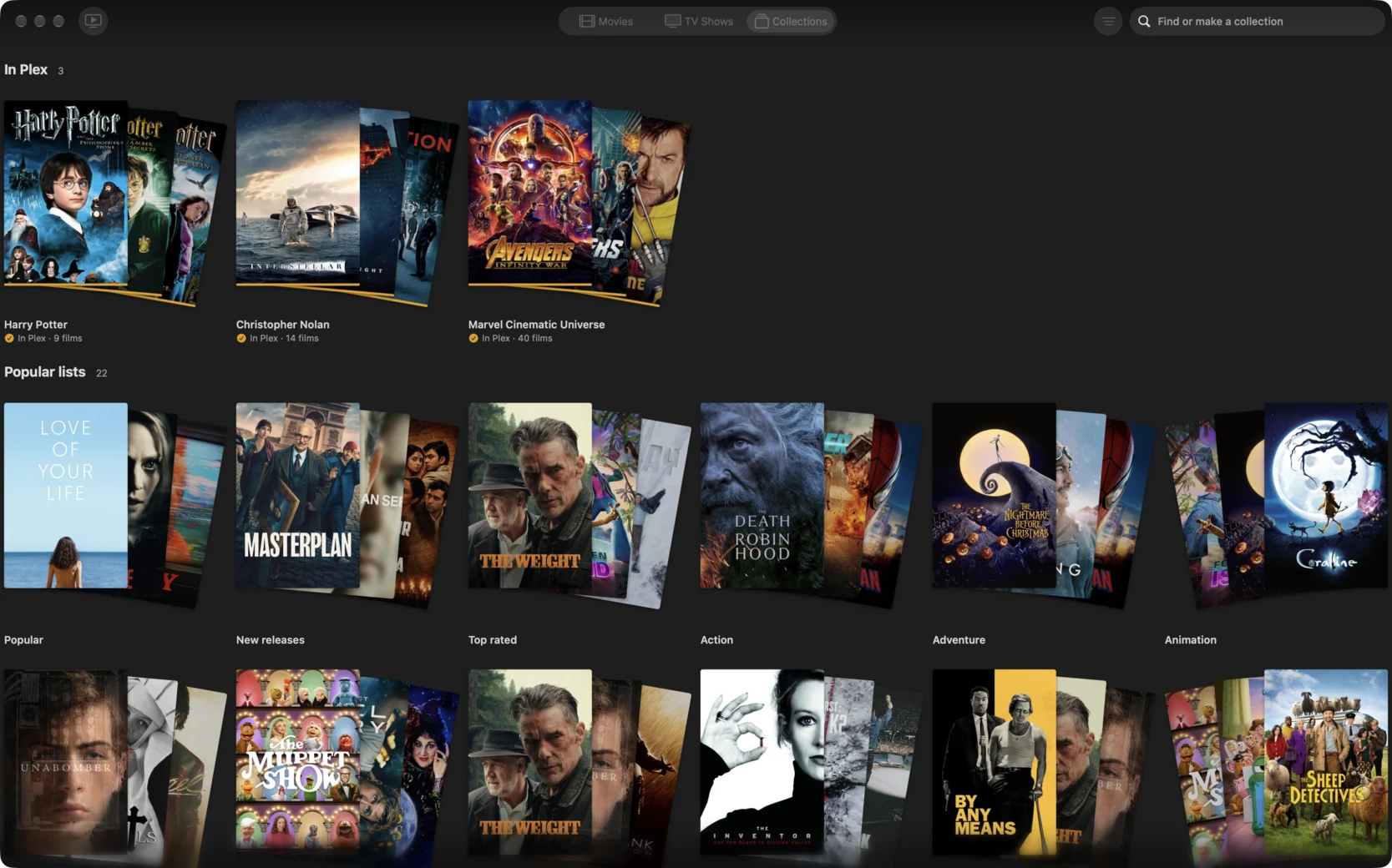
StreamBridge's Collections: Harry Potter, Christopher Nolan and Marvel in Plex, with popular lists below

About

25 MB

of disk per title. A hundred titles take a few gigabytes.

The server

No NAS, no download client, and no Sonarr or Radarr to keep in step. It's one app on a Mac, with no drives to fill, nothing to clean up and no RAID to rebuild.

The NAS keeps its other jobs

Backups, Time Machine and files you want to keep. You just don't buy more drives for films.

What you bring

A Mac

On macOS 15 or later, Apple silicon or Intel, running Plex Media Server.

A debrid account

The streams come from it: Real-Debrid, TorBox, AllDebrid or one of seven more. It's your own account, and we don't take a cut.

Plex

The apps you already use, on every screen. See how it works.

Free to use, with Pro for $39 once