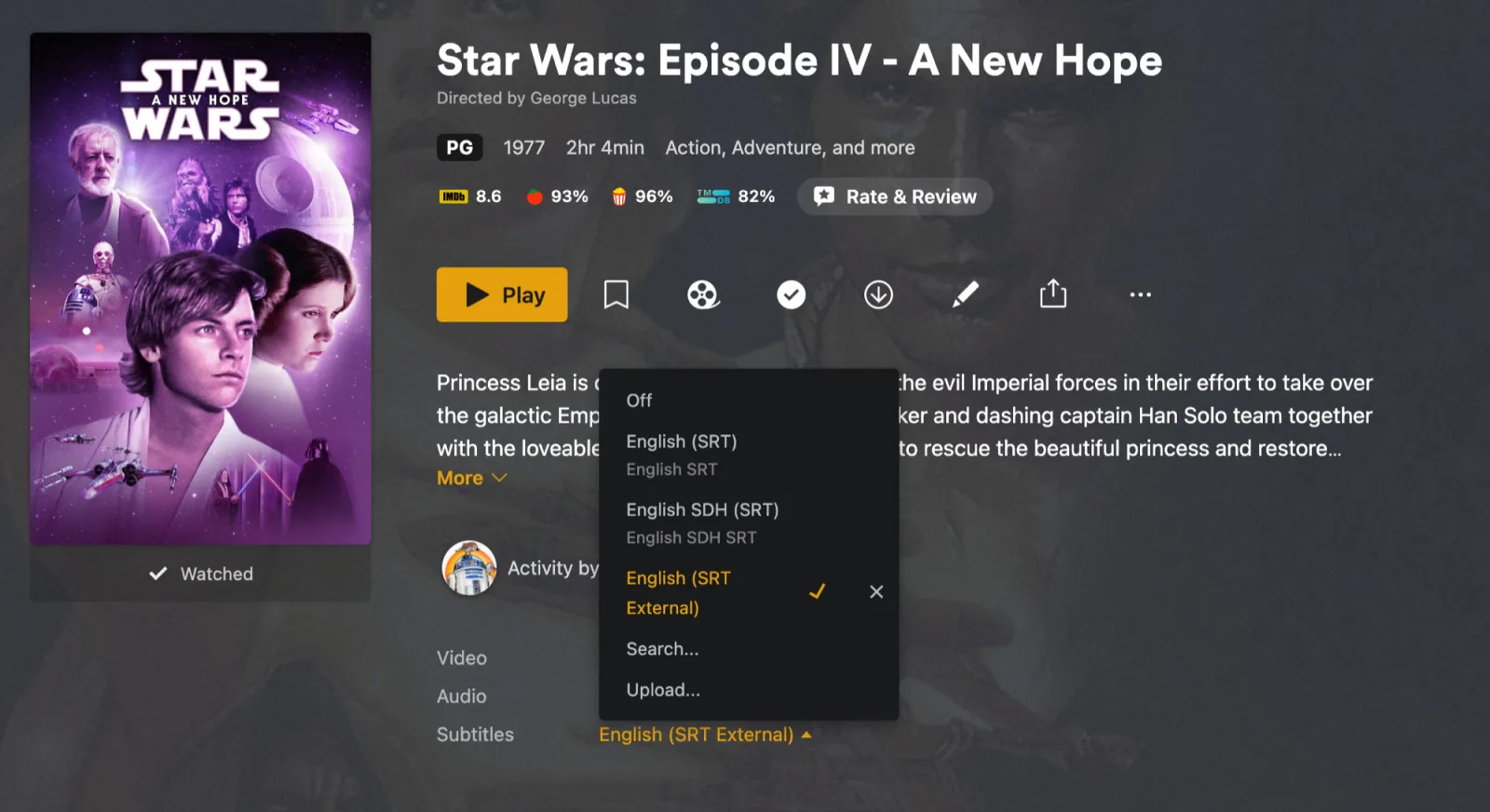
Turkish in Plex's own menu
Listed beside the release's own subtitles, on every Plex app.
Part of Pro
Subtitles come with StreamBridge Pro, a one-time purchase. Streaming, browsing, movies and TV series are free. See pricing →
Subtitles · Türkçe
Once a film is in Plex, pick Turkish on its Watch view in StreamBridge. The subtitle is timed to that file and saved where Plex finds it. If nobody has made one in Turkish, StreamBridge translates the best subtitle it found.
Popular films often have several Turkish uploads. The job is picking the one that matches your release.
On the film's Watch view, the subtitles are drawn under it as they'll look, with Turkish written as Türkçe. Click them to change language. Later, ⋯, Subtitles, Change Subtitles…
Pick Turkish with English and both appear on screen, one line above the other: for watching with someone who reads the other language, or for learning Turkish. Already have both files? Put them together here, free.
Turkish is listed in Plex's subtitle menu like any other option. Nothing to set up on the TV or phone. Turn it on once for Roma and Plex remembers it on every device. For one file you already have, use the free timing tool.
Listed beside the release's own subtitles, on every Plex app.
Subtitles come with StreamBridge Pro, a one-time purchase. Streaming, browsing, movies and TV series are free. See pricing →